
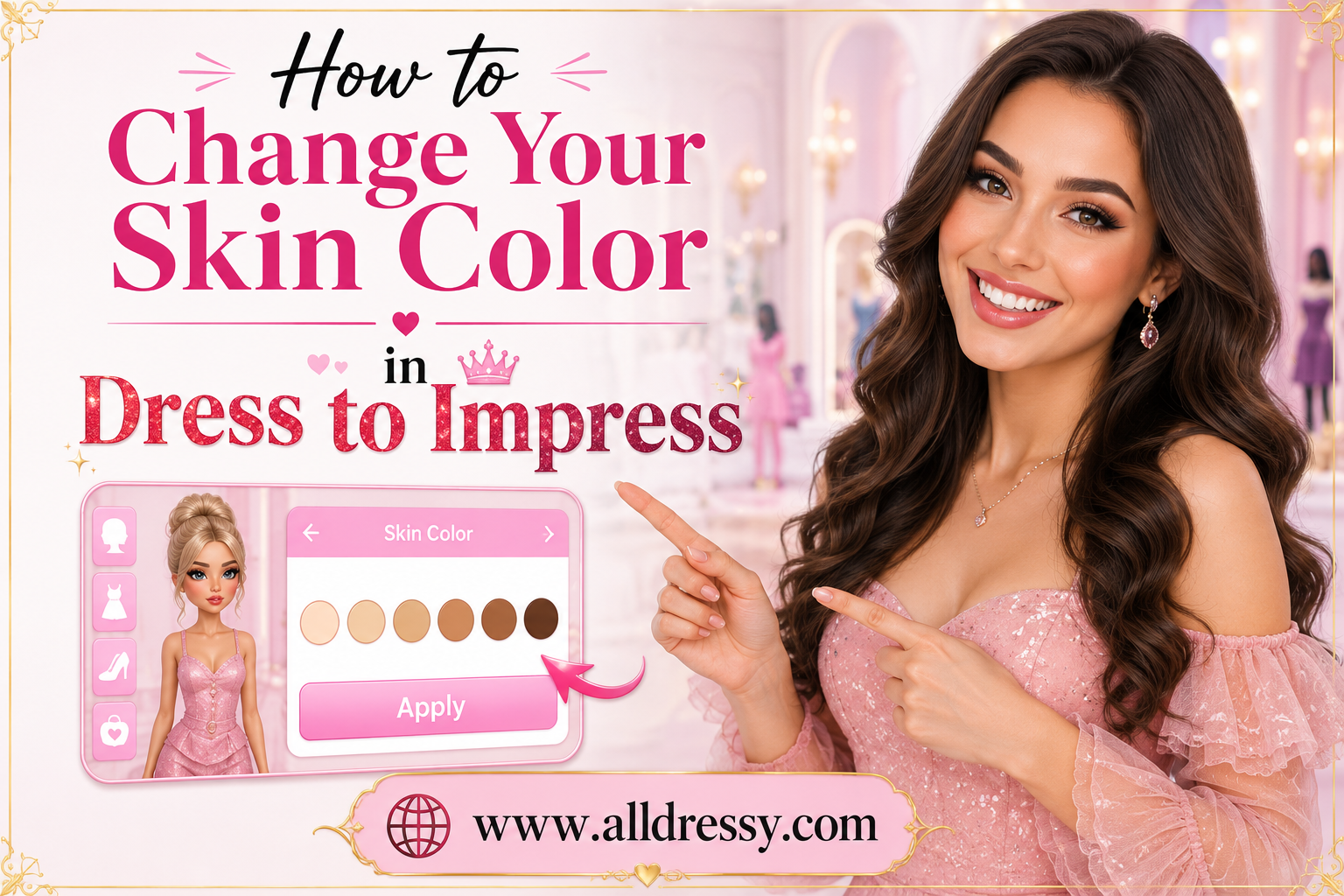
If you are wondering how to change your skin color in Dress to Impress, you are not alone. Many players want to customize their avatars to better match their real-life appearance, create unique fashion themes, or complete specific outfit challenges. Dress to Impress is all about creativity, self-expression, and styling, and skin tone customization is an important part of building the perfect look.
Whether you are a beginner entering the game for the first time or a seasoned fashion competitor aiming for higher rankings, learning how to change your skin color in Dress to Impress can significantly improve your overall styling experience. The game offers multiple customization options that allow players to personalize their characters and create outfits that fit different aesthetics, themes, and fashion trends.
In this detailed guide, you will learn everything about changing skin color, finding skin tone options, troubleshooting common issues, creating coordinated outfits, and using skin tones strategically to enhance your fashion scores.
What Is Dress to Impress?
Dress to Impress is a popular fashion-focused experience where players compete by creating outfits based on specific themes. Contestants are given a theme and a limited amount of time to design a look that matches the challenge.
Players can customize:
- Clothing
- Hairstyles
- Accessories
- Makeup
- Facial features
- Skin color
- Special effects
The ability to change skin tone allows players to create more personalized and realistic avatars while expanding creative possibilities.
Why Change Your Skin Color in Dress to Impress?
There are many reasons players choose to adjust their avatar’s skin tone.
Personal Representation
Many users want their avatar to resemble their real-life appearance. Changing skin color helps create a more authentic gaming experience.
Better Theme Matching
Certain themes may inspire specific character concepts. Adjusting skin tone can help complete a character design and make the outfit feel more cohesive.
Fashion Coordination
Different colors and clothing combinations may stand out better on specific skin tones. Fashion experts often consider contrast and color harmony when creating outfits.
Character Roleplay
Many players enjoy creating fictional characters, celebrities, fantasy beings, or historical figures. Skin customization helps bring these concepts to life.
Increased Creativity
The more customization options available, the more creative freedom players have when building unique looks.
How to Change Your Skin Color in Dress to Impress Step by Step
Changing your skin tone is a simple process once you know where to look.
Join a Dress to Impress Server
Start by entering a game server. Once inside, you will have access to the dressing area and customization stations.
Locate the Customization Area
Most servers provide dedicated customization sections where players can alter different aspects of their avatar before competitions begin.
Look for:
- Character customization stations
- Appearance-changing booths
- Makeup sections
- Skin tone selectors
Open the Skin Tone Menu
Interact with the skin customization area. A palette of available skin colors should appear.
These options usually range from:
- Very light tones
- Light tones
- Medium tones
- Tan tones
- Deep tones
- Fantasy colors (in some versions)
Select Your Desired Skin Tone
Click or tap the skin color you prefer.
Your avatar should immediately update to display the selected tone.
Confirm Your Selection
Once satisfied with the appearance, continue customizing your outfit and accessories.
Your chosen skin tone typically remains active until you decide to change it again.
Where to Find the Skin Tone Selector
One of the most common challenges new players face is locating the skin tone menu.
Near Makeup Stations
Many updates place skin tone options close to makeup customization areas.
Beside Hairstyle Sections
Some versions position skin tone controls near hair customization zones.
Inside Appearance Menus
In certain game updates, skin color options are integrated directly into broader avatar appearance menus.
Dedicated Skin Color Booths
Some servers feature standalone booths specifically designed for skin tone selection.
If you cannot find the option immediately, explore the dressing area carefully.
Understanding Available Skin Tone Options
Dress to Impress generally offers a wide range of skin colors to ensure inclusivity and creativity.
Fair Skin Tones
These shades are among the lightest available and work well with pastel clothing palettes.
Light Skin Tones
Popular among players who want a natural, everyday appearance.
Medium Skin Tones
Versatile shades that complement many fashion styles.
Tan Skin Tones
Great for summer themes, beach outfits, and vacation-inspired looks.
Deep Skin Tones
Rich, beautiful shades that provide excellent contrast with bright fashion pieces.
Fantasy Skin Colors
Some updates or special events may introduce unique colors such as:
- Blue
- Purple
- Green
- Pink
- Silver
These options are especially useful for fantasy and cosplay themes.
Best Outfit Colors for Different Skin Tones
Learning color coordination can elevate your fashion game.
Light Skin Tones
Popular color choices include:
- Emerald green
- Navy blue
- Burgundy
- Black
- Deep purple
These colors create strong visual contrast.
Medium Skin Tones
Excellent choices include:
- White
- Gold
- Orange
- Teal
- Red
These shades often appear vibrant and balanced.
Tan Skin Tones
Try using:
- Turquoise
- Coral
- Cream
- Yellow
- Olive green
These colors highlight warm undertones beautifully.
Deep Skin Tones
Outstanding options include:
- Bright yellow
- Hot pink
- Royal blue
- White
- Metallic gold
These combinations create striking visual impact.
Common Mistakes When Changing Skin Color
Many players unknowingly make mistakes that reduce the effectiveness of their styling.
Ignoring Theme Requirements
Changing skin tone solely for aesthetics may not always align with the competition theme.
Always consider the challenge prompt.
Poor Color Coordination
Some outfit colors may clash with certain tones.
Experiment with different combinations before finalizing your look.
Forgetting Makeup Adjustments
A new skin tone may require different makeup colors.
Consider updating:
- Lip color
- Blush
- Eyeshadow
- Eyeliner
Rushing Customization
Taking a few extra seconds to perfect your appearance can improve your overall presentation.
How Skin Tone Affects Fashion Scoring
Technically, changing your skin color does not directly increase your score.
However, it can indirectly influence voting by helping you create a stronger outfit.
Improved Visual Cohesion
Well-coordinated designs appear more polished.
Better Theme Execution
Appropriate customization helps communicate your fashion concept clearly.
Stronger Character Design
Players often vote for outfits that feel complete and intentional.
Enhanced Creativity
Unique styling choices may help your avatar stand out among competitors.
Creating Theme-Based Looks With Different Skin Colors
Strategic skin tone customization can help you excel in themed competitions.
Summer Theme
Consider:
- Warm tan tones
- Bright swimwear
- Tropical accessories
Royalty Theme
Use:
- Elegant skin tone selection
- Gold accessories
- Luxurious gowns
Fantasy Theme
Experiment with:
- Unusual colors
- Magical makeup
- Mythical outfits
Celebrity Theme
Adjust skin color to better resemble the celebrity you are portraying.
Historical Theme
Research historical references and create an authentic look.
Advanced Styling Tips for Skin Tone Customization
Experienced players often use skin color strategically.
Focus on Contrast
Outfits become more visually appealing when there is enough contrast between clothing and skin tone.
Match Accessories Carefully
Jewelry, glasses, and handbags should complement both your clothing and skin tone.
Use Layering
Layered outfits create depth and sophistication.
Coordinate Hairstyles
Hair color significantly impacts the overall appearance.
Consider how hair and skin tone interact together.
Balance Bright Colors
Too many bright colors can overwhelm a design.
Use neutral pieces to create balance.
Troubleshooting Skin Color Problems
Occasionally players encounter issues when attempting to customize their avatar.
Skin Tone Won’t Change
Try:
- Reopening the customization menu
- Selecting another tone
- Leaving and rejoining the server
Changes Not Saving
This may occur due to:
- Server lag
- Update-related bugs
- Temporary connection issues
Missing Skin Tone Options
Game updates occasionally reorganize menus.
Explore the customization area thoroughly to locate new settings.
Delayed Appearance Updates
Sometimes visual changes take a few moments to load properly.
Wait briefly before assuming the feature is not working.
How Updates Can Affect Skin Color Customization
Dress to Impress regularly introduces updates.
These updates may:
- Add new skin tones
- Improve customization systems
- Redesign user interfaces
- Introduce seasonal colors
- Enhance avatar realism
Because of this, the exact location of skin color controls may occasionally change.
Players should stay familiar with update notes and new customization features.
Skin Tone Customization for Competitive Players
Highly ranked players often pay attention to every detail.
Build a Character Concept
Rather than selecting random items, create a complete character vision.
Coordinate Every Element
Match:
- Skin tone
- Hair color
- Makeup
- Clothing
- Accessories
Practice Quick Customization
Competitions are timed.
Learning skin tone locations improves efficiency.
Save Favorite Combinations
Remember successful outfit and skin tone pairings for future themes.
Study Top Players
Observe how high-ranking competitors use skin color to support their fashion concepts.
Inclusive Representation Through Skin Color Options
One of the strongest aspects of modern avatar customization is inclusivity.
A wide variety of skin tones allows players to:
- Express their identity
- Create diverse characters
- Explore different fashion styles
- Build authentic representations
- Enhance creative storytelling
This diversity contributes to a richer and more welcoming community experience.
Fashion Strategies That Work With Any Skin Tone
While skin tone customization is important, successful fashion design depends on several universal principles.
Theme Accuracy
Always prioritize matching the competition theme.
Color Harmony
Choose colors that work together rather than competing for attention.
Balanced Accessories
Avoid overcrowding your outfit with too many accessories.
Attention to Detail
Small details often make the biggest difference.
Consistent Styling
Ensure every part of the outfit supports the same fashion vision.
Confidence in Creativity
Unique looks often attract more attention than overly common designs.
Mastering How to Change Your Skin Color in Dress to Impress
Understanding how to change your skin color in Dress to Impress is an essential skill for any player who wants full control over their avatar’s appearance. By learning where to find the customization options, selecting tones that complement your outfits, coordinating makeup and accessories, and adapting your look to different themes, you can create more polished and memorable fashion entries.
Skin tone customization goes beyond simple appearance changes. It serves as a powerful styling tool that helps players express individuality, improve outfit coordination, and develop stronger fashion concepts. Whether you prefer realistic representations, fantasy-inspired characters, or trend-focused designs, mastering skin customization can significantly elevate your overall Dress to Impress experience and help your creations stand out in every competition.
FAQs About How to Change Your Skin Color in Dress to Impress
How do I change my skin color in Dress to Impress?
To change your skin color in Dress to Impress, go to the avatar customization area, locate the skin tone selector, and choose your preferred skin color. The change is usually applied instantly to your character.
Is changing skin color free in Dress to Impress?
Yes, skin tone customization is generally available to all players and does not require special purchases. However, some special colors or event-exclusive options may vary depending on game updates.
Why can’t I find the skin color option?
The location of the skin tone selector may change after updates. Check the customization stations, makeup area, or appearance menu to find the skin color options.
Does skin color affect my score in Dress to Impress?
Skin color itself does not directly affect scoring. However, choosing a skin tone that complements your outfit and matches the theme can help create a stronger overall look, which may lead to higher votes.
Can I change my skin color during every round?
Yes, players can usually change their skin color before creating an outfit for a new theme, allowing for complete customization in each competition.
Are there fantasy skin colors in Dress to Impress?
Some updates and special events may include fantasy skin tones such as blue, green, pink, purple, or other unique colors for creative and themed outfits.
Can I match my avatar to my real-life skin tone?
Yes, Dress to Impress offers a variety of skin tones, making it easier for players to create avatars that resemble their real-life appearance.
Why is my skin color not changing?
If your skin color is not updating, try selecting a different tone, reopening the customization menu, or rejoining the server. Temporary lag can sometimes delay visual changes.
Can I use different skin tones for different themes?
Absolutely. Many players change skin tones to better fit specific themes such as fantasy, royalty, beach vacation, historical characters, or celebrity-inspired outfits.
Do skin tones save automatically?
In most cases, your selected skin tone remains active until you change it again. However, some game updates or server changes may reset certain customization settings.
Conclusion
Learning how to change your skin color in Dress to Impress is an important part of mastering avatar customization and fashion design. Skin tone customization allows players to express their individuality, create more realistic avatars, and build stronger outfits that match competition themes. Whether you prefer a natural look, a bold fashion statement, or a fantasy-inspired character, selecting the right skin tone can make your overall design feel more polished and cohesive.
By understanding where to find the skin tone selector, how to coordinate colors effectively, and how to adapt your appearance for different themes, you can elevate your styling skills and stand out in competitions. While skin color alone will not guarantee higher scores, combining it with thoughtful outfit choices, makeup, accessories, and theme accuracy can help create memorable looks that capture attention and earn more votes. As Dress to Impress continues to evolve with new updates and customization options, mastering skin tone customization will remain a valuable skill for every fashion-focused player.